The 3 Pillars of Seamless Connectivity
In today’s rapidly advancing technological landscape, the integration of home automation with security alarm systems has become a crucial service for installers aiming to deliver comprehensive smart home solutions. The Integration Blueprint offers a structured approach for professionals to ensure seamless connectivity, optimal performance, and enhanced user experience. This guide explores best practices, technical considerations, and strategic steps necessary for successful integration, empowering installers to elevate their offerings and meet modern homeowners’ expectations efficiently. By following this blueprint, installers can streamline installation processes, reduce troubleshooting time, and provide clients with a unified smart home ecosystem that is both reliable and scalable.
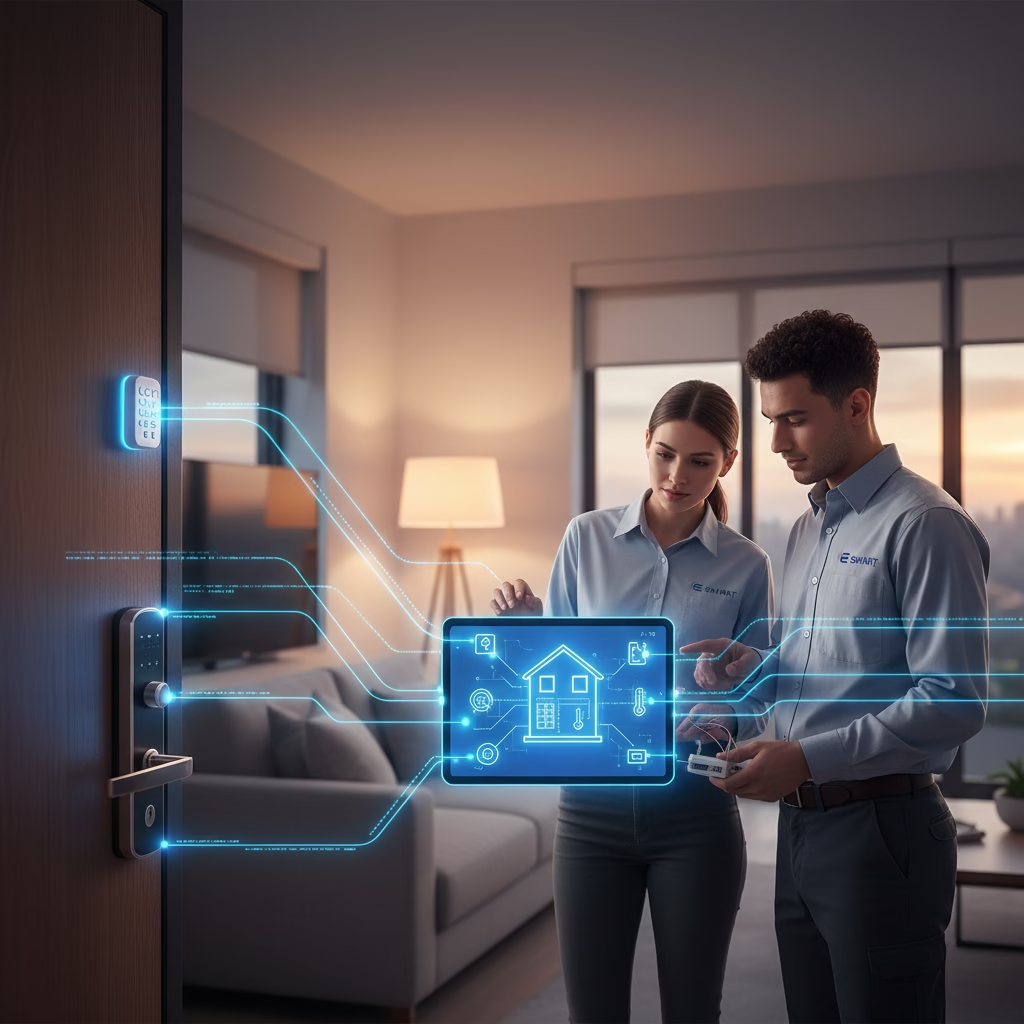
Understanding the Fundamentals of Home Automation and Security System Integration
Before embarking on any integration project, it’s essential for installers to understand the core principles underlying both home automation and security systems. These two components often operate independently but can be combined to create a cohesive environment that enhances safety, convenience, and energy efficiency. Home automation encompasses devices like smart thermostats, lighting controls, voice assistants, and automated blinds that work together via centralized platforms or hubs. Security alarm systems include sensors, cameras, motion detectors, and control panels designed primarily to safeguard the premises. Recognizing how these systems communicate and interact lays the groundwork for successful integration.
A thorough knowledge of protocols such as Z-Wave, Zigbee, Wi-Fi, Ethernet, and proprietary communication methods is vital because each system may utilize different standards. Compatibility issues are common barriers that can hinder smooth integration if not properly addressed. Ensuring that all devices support common protocols or can interface through compatible hubs simplifies the process significantly. Additionally, understanding user requirements—such as remote access capabilities or specific automation routines—guides the customization process. For installers, grasping these fundamentals translates into more effective planning and troubleshooting during installations.
- Familiarize yourself with standard communication protocols used in smart home devices.
- Assess device compatibility before beginning installation to prevent future issues.
- Understand client needs regarding automation routines and security features.
- Study manufacturer documentation to identify potential interoperability challenges.
Mastering these foundational concepts ensures that integrations are robust from the outset and minimizes post-installation adjustments. It also helps build trust with clients who seek reliable and future-proof solutions. Ultimately, a solid understanding of system fundamentals enables installers to craft tailored integrations aligned with homeowners’ lifestyles.
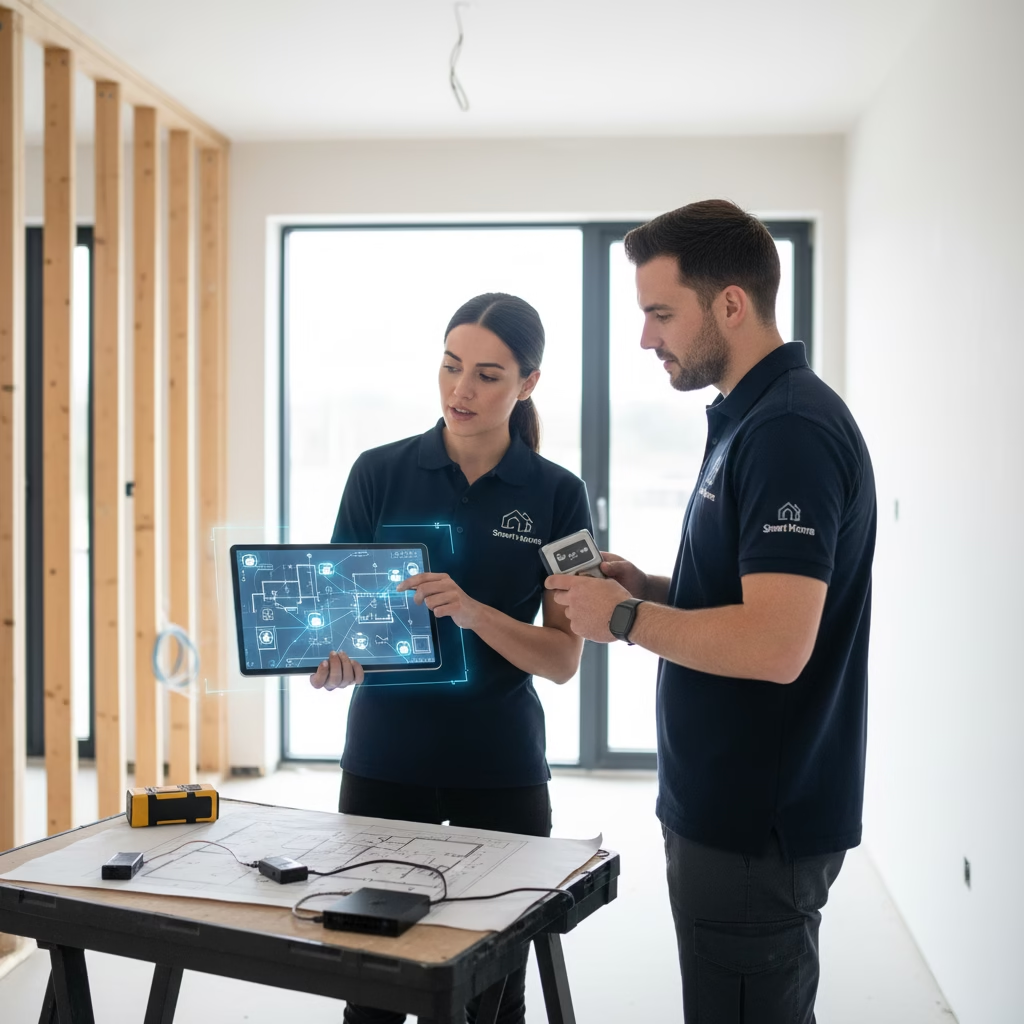
Planning the Integration: Strategy & Site Assessment
Effective integration begins long before physical installation; meticulous planning is critical for ensuring a seamless setup that meets client expectations. A comprehensive site assessment provides insights into existing infrastructure, potential signal interference sources, device placement options, and wiring requirements. During this phase, installers should evaluate network strength throughout the property since reliable Wi-Fi or Ethernet connections are essential for consistent operation of connected systems. Identifying dead zones or areas prone to interference allows for preemptive measures such as adding extenders or upgrading routers.
Developing an integration strategy involves selecting compatible devices that align with both homeowner preferences and technical specifications. Choosing a central hub or controller capable of managing both automation routines and security alerts simplifies ongoing maintenance while reducing complexity. Establishing clear zones within the property such as outdoor spaces versus interior rooms facilitates targeted device placement for optimal coverage. Additionally, defining key automation scenarios (e.g., “Away Mode,” “Night Routine”) helps prioritize device configurations during setup.
A well-thought-out plan minimizes unforeseen complications during installation by addressing connectivity issues early on. It also streamlines coordination among team members or subcontractors involved in larger projects. When clients see a detailed plan outlining how their new smart home functions holistically including security features they gain confidence in your expertise.
- Conduct thorough site surveys focusing on network coverage and device placement.
- Select compatible hardware with supported communication protocols.
- Map out zones within the property to optimize device deployment.
- Define key automation scenarios tailored to client lifestyle needs.
- Prepare detailed diagrams illustrating system architecture for reference during installation.
Strategic planning ensures every component works harmoniously from day one—laying a solid foundation for successful system operation over years to come.
Selecting Compatible Devices & Ecosystems
Choosing the right devices forms the backbone of a seamless home automation-security integration project. Compatibility isn’t just about making devices work together; it also involves ensuring they can communicate reliably under various conditions while supporting future expansion plans. A unified ecosystem reduces complexity by allowing devices from different manufacturers to interoperate via shared protocols or centralized platforms like SmartThings, Hubitat, or proprietary ecosystems like Apple HomeKit or Google Home.
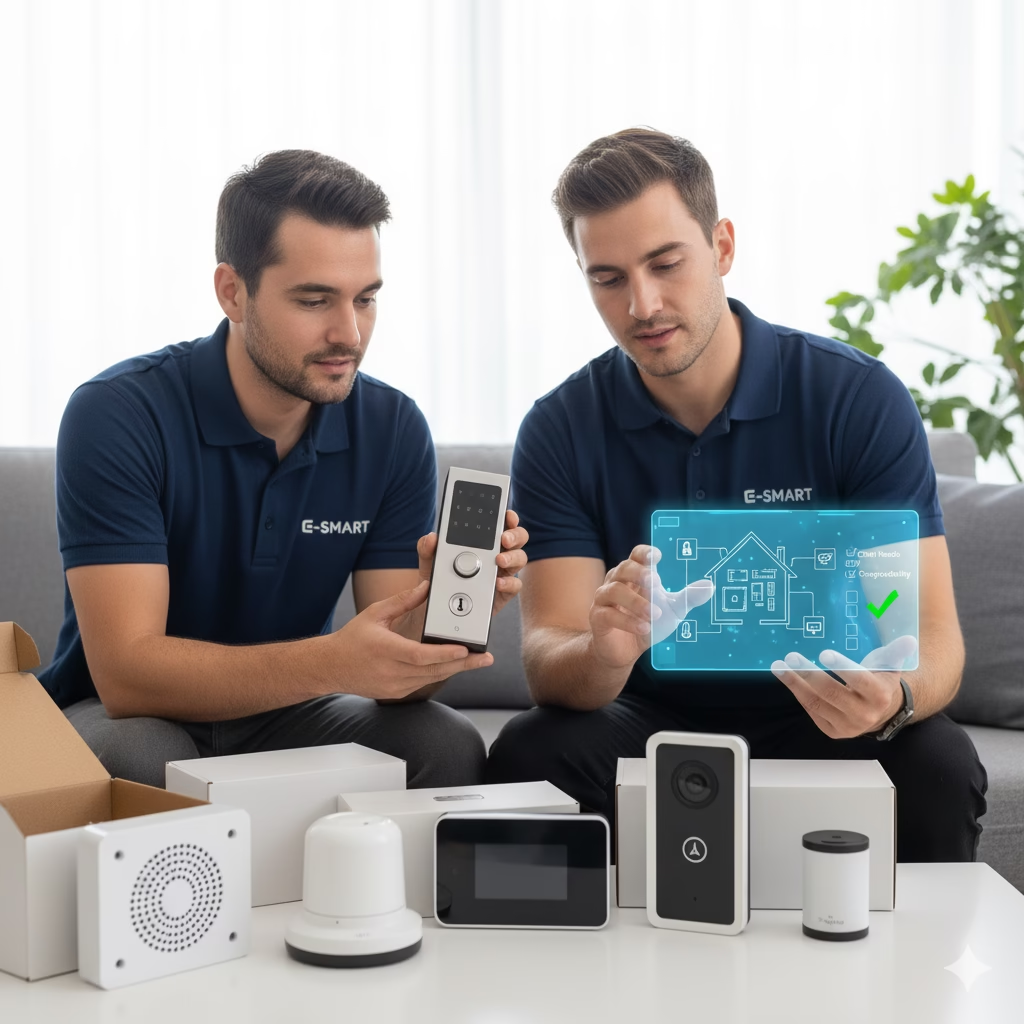
When selecting hardware products—such as sensors, controllers, cameras, or switches—installers should prioritize those with proven interoperability credentials supported by extensive community testing or official certification programs. Consider factors like firmware updates availability—which influence long-term stability—and whether devices support local processing versus cloud dependency for improved reliability during internet outages. Furthermore, assess whether chosen products integrate seamlessly into existing infrastructure if applicable.
Creating an ecosystem where all components are compatible reduces troubleshooting efforts post-installation while enhancing overall system stability. Clients benefit from simplified user interfaces when everything operates within familiar platforms or apps they already use daily. Properly selected hardware also ensures scalability; additional devices added later will integrate smoothly without requiring significant reconfiguration.
- Opt for devices certified under common interoperability standards (e.g., Z-Wave Plus).
- Choose ecosystems supported by major platforms such as Alexa, Google Assistant, or Apple HomeKit.
- Prioritize firmware update support for ongoing security patches.
- Ensure cloud dependencies do not compromise local control in case of internet outages.
- Select devices with strong community feedback indicating reliable performance.
Selecting compatible hardware upfront significantly impacts the longevity and reliability of integrated systems—a critical consideration for professional installers committed to delivering premium solutions.
Designing User-Friendly Automation & Security Workflows

An intuitive user experience remains at the heart of successful home automation-security integration projects. When designing workflows—whether automations triggered by time schedules, sensor inputs or user commands—the goal is simplicity combined with functionality that enhances safety without overwhelming users with complexity. Clear logic pathways should be established so that routines such as arming alarms when leaving home or turning on lights at dusk operate flawlessly without requiring constant manual intervention.
To achieve this balance:
- Use straightforward naming conventions for scenes and routines.
- Limit initial automations to core functionalities; expand gradually based on client feedback.
- Incorporate fallback options within workflows—for example, notifications if sensors detect anomalies but fail to trigger alarms.
- Enable remote access through secure apps so homeowners can manage their systems conveniently.
- Provide comprehensive training sessions ensuring clients understand routine operations and emergency procedures.
Designing workflows around real-life scenarios helps users feel confident navigating their integrated system daily while trusting it will respond correctly during critical moments like break-ins or fire alarms.
Elaborating on this point reveals how thoughtful automation design improves safety outcomes while reducing false alarms—saving homeowners stress and potential costs associated with unnecessary responses. Well-crafted workflows foster trust in technology by aligning system behavior closely with user expectations through clarity and responsiveness.
- Map out typical daily routines before configuring automations.
- Test each workflow extensively across different scenarios.
- Use conditional logic (if/then statements) judiciously to refine reactions.
- Offer easy-to-access override options in case manual intervention is needed.
Prioritizing user-friendly design ensures clients enjoy peace of mind knowing their smart homes are intuitive yet highly functional.
Implementing Robust Connectivity & Network Infrastructure
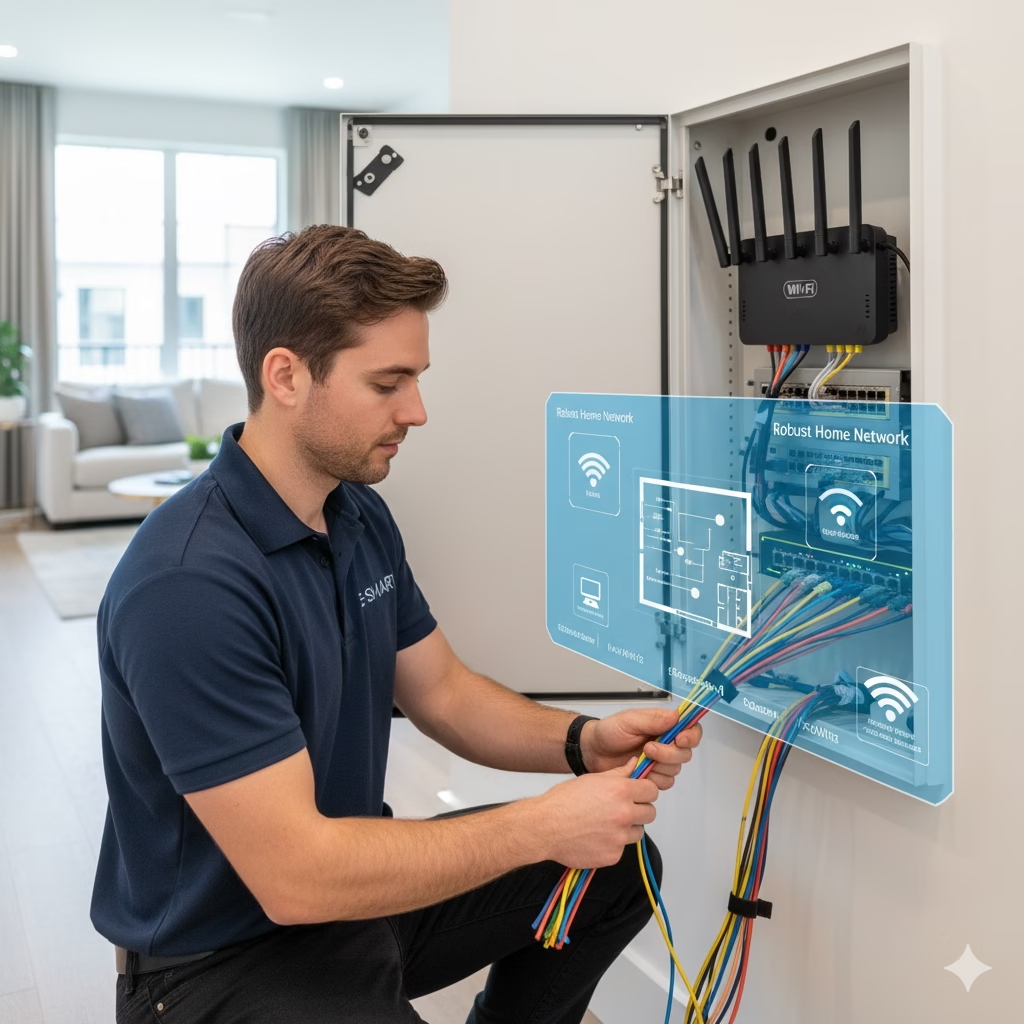
Reliable connectivity forms the backbone of any integrated home automation-security system; without it, even the most advanced hardware cannot perform optimally. As an installer guided by The Integration Blueprint, establishing a robust network infrastructure is paramount for seamless operation across all devices involved in automation routines and security alerts alike. This entails deploying high-quality routers capable of handling multiple concurrent connections securely while minimizing latency issues that could impair real-time responses from sensors or cameras.
Beyond basic equipment selection:
- Use wired Ethernet connections where possible for critical components like control panels or servers.
- Position Wi-Fi access points strategically throughout the property to eliminate dead zones.
- Configure network segmentation (VLANs) if necessary to isolate sensitive security data from general internet traffic.
- Regularly update firmware on networking equipment to patch vulnerabilities.
- Employ strong encryption standards (WPA3) alongside complex passwords.
Investing in a resilient infrastructure reduces downtime caused by connectivity failures which might otherwise compromise safety features during emergencies. Additionally, good network design simplifies future upgrades new smart devices can be added easily without overloading existing bandwidth.
Elaborating further reveals how proactive network management extends beyond initial setup into ongoing operational stability, ultimately safeguarding homeowner investments in technology.
- Conduct wireless site surveys prior to installation.
- Use quality switches and routers designed for smart home environments.
- Segment networks logically rather than relying solely on default configurations.
A dependable network foundation guarantees your integrated system performs reliably today and scales effortlessly tomorrow.
Ensuring Compliance & Data Security During Integration
Security isn’t solely about protecting premises it also involves safeguarding sensitive data exchanged between connected devices within an integrated ecosystem. As an installer adhering to The Integration Blueprint, understanding compliance standards (such as GDPR or local privacy laws) becomes essential when handling homeowner information. Implementing rigorous cybersecurity measures prevents unauthorized access that could compromise personal privacy or system integrity
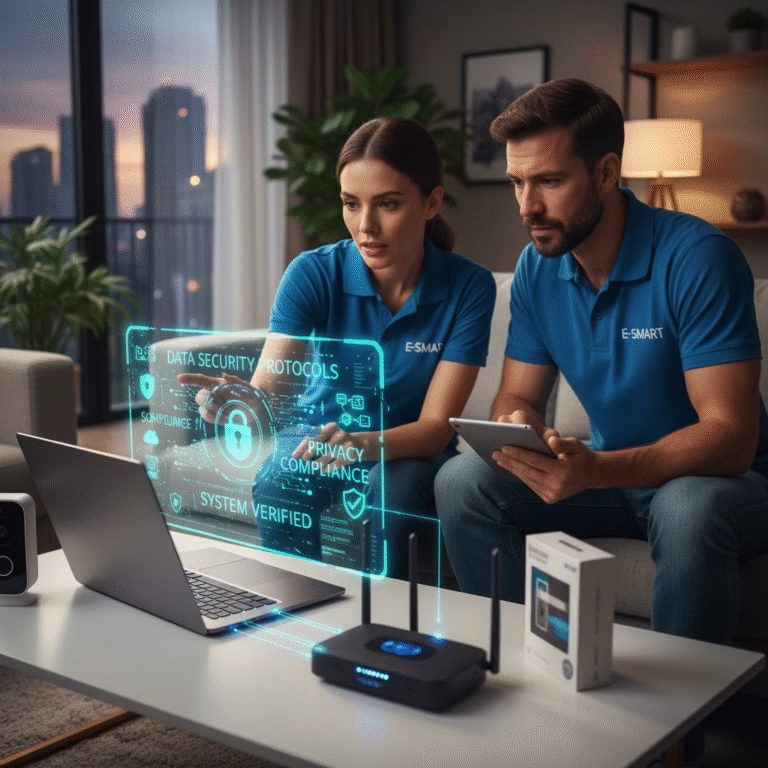
Key steps include:
- Using encrypted communication channels between all devices and control hubs
- Regularly updating firmware to patch known vulnerabilities
- Employing strong authentication methods like two-factor authentication (2FA) for remote access portals
- Limiting user permissions based on roles—for example: technician vs homeowner access levels
Educating clients about safe password practices further enhances overall security posture and demonstrates professionalism. When integrating multiple systems from surveillance cameras to door locks compliance safeguards protect against legal liabilities while building trust with customers This focus on data security elevates your reputation as a responsible installer committed to holistic safety solutions.
Elaboration emphasizes how proactive security measures prevent breaches that could expose sensitive data thus maintaining customer confidence over time. Embedding these practices into your workflow sets you apart as an expert dedicated not just to functionality but also privacy protection.
- Conduct regular vulnerability assessments on installed systems
- Maintain documentation aligned with regulatory standards
- Train staff regularly on cybersecurity best practices
- Use secure storage solutions for client data
Implementing strict data security protocols ensures sustainable growth of your business alongside satisfied clients who value their privacy.
Finalizing System Testing & Client Education
The last phase in The Integration Blueprint involves thorough testing followed by comprehensive client education critical steps towards ensuring long term satisfaction with installed systems. After completing physical installation and configuration, methodical testing verifies that all components work harmoniously under various scenarios, including power failures or internet outages. Detecting any inconsistencies early allows prompt adjustments before final handoff
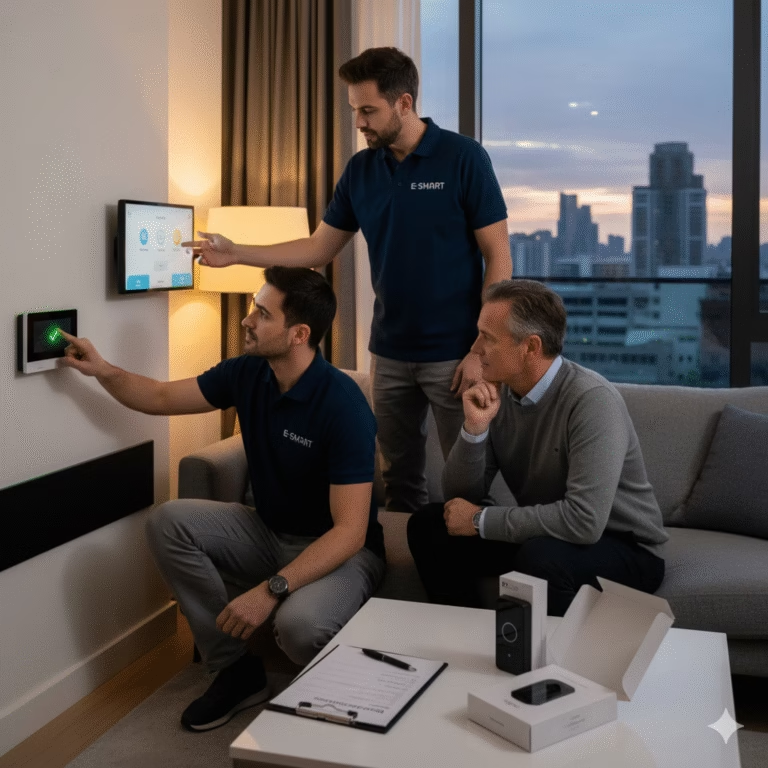
Simultaneously, dedicating time to educate homeowners about system features fosters independence, reduces reliance on tech support, and encourages proper usage. Demonstrate routine operations such as arming/disarming alarms remotely, adjusting automations, reviewing camera footage, etc., emphasizing safety tips along the way. Providing written manuals or video tutorials further reinforces learning
Incorporate feedback mechanisms like surveys post-training sessions to identify gaps in understanding and refine educational materials accordingly. Ensuring clients know how their integrated system functions instills confidence, encouraging regular use, which ultimately maximizes return on investment and promotes positive referrals.
Elaborating here underscores how diligent testing coupled with effective education cements client trust, transforming them into advocates who appreciate your professionalism and dedication to quality service
Building Long-Term Success Through Strategic Integration
The process outlined within The Integration Blueprint equips professional installers with a comprehensive framework essential for delivering seamless home automation combined with advanced security alarm systems. Each step—from understanding fundamental protocols through detailed planning, hardware selection, designing workflows, securing networks, complying with data regulations, through rigorous testing contributes toward building resilient solutions tailored specifically to client needs. When executed meticulously, this approach results in smarter homes characterized by reliable operation, enhanced safety, energy efficiency, and satisfied customers ready to recommend your services repeatedly. Staying current with evolving technologies coupled with continuous training enables you as an installer to maintain competitive advantage amidst dynamic industry trends. Ultimately, embracing this blueprint transforms routine installations into strategic partnerships fostering long-term growth setting new standards within residential smart home markets